
How do I change my email?
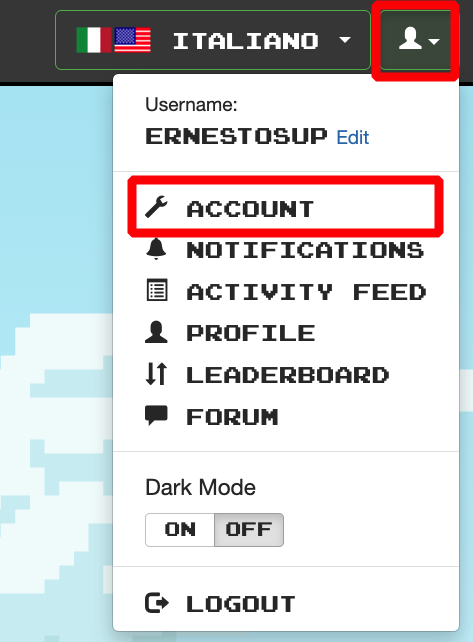
You can change your associated email by signing in on the web > Username dropdown menu top right > Account > Change email under "Settings" heading > Enter your current password > Click "Update."

You can also reach out to us via hello@clozemaster.com from the emails linked to your account, requesting the change.