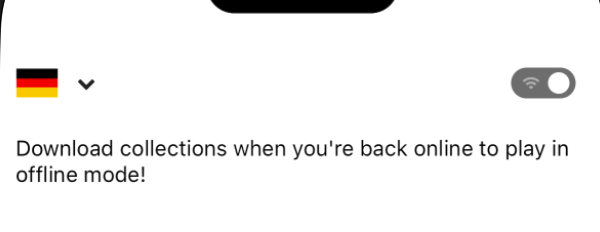
How do I play offline?
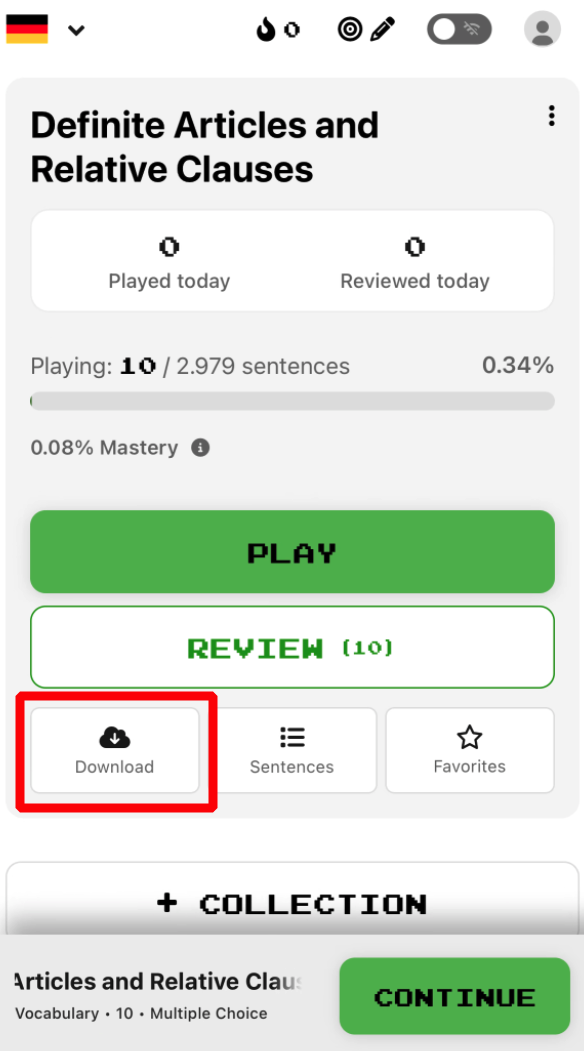
To switch to offline mode in the mobile app, download any collections you'd like to play offline, then, on your dashboard, tap the wifi icon at the top right.
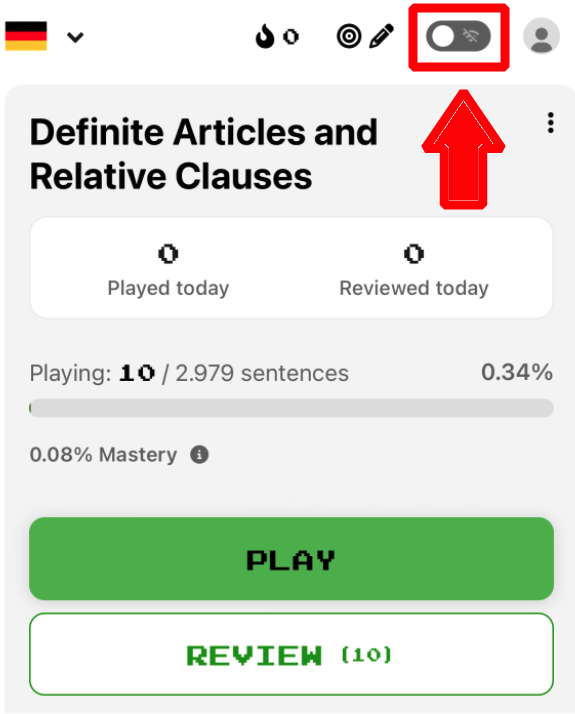
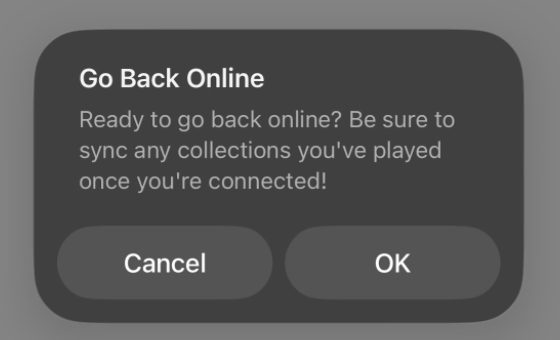
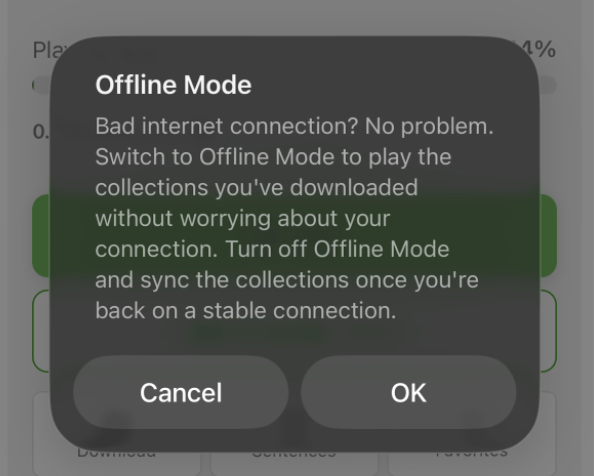
You should then accept the tap “ok” in the pop-up warning to successfully switch to offline mode.
Once you have a connection, it'll be necessary to manually switch back online (disable offline mode). To keep your streaks, and avoid any progress mismatch, it'll be necessary to manually sync any collections you played offline.