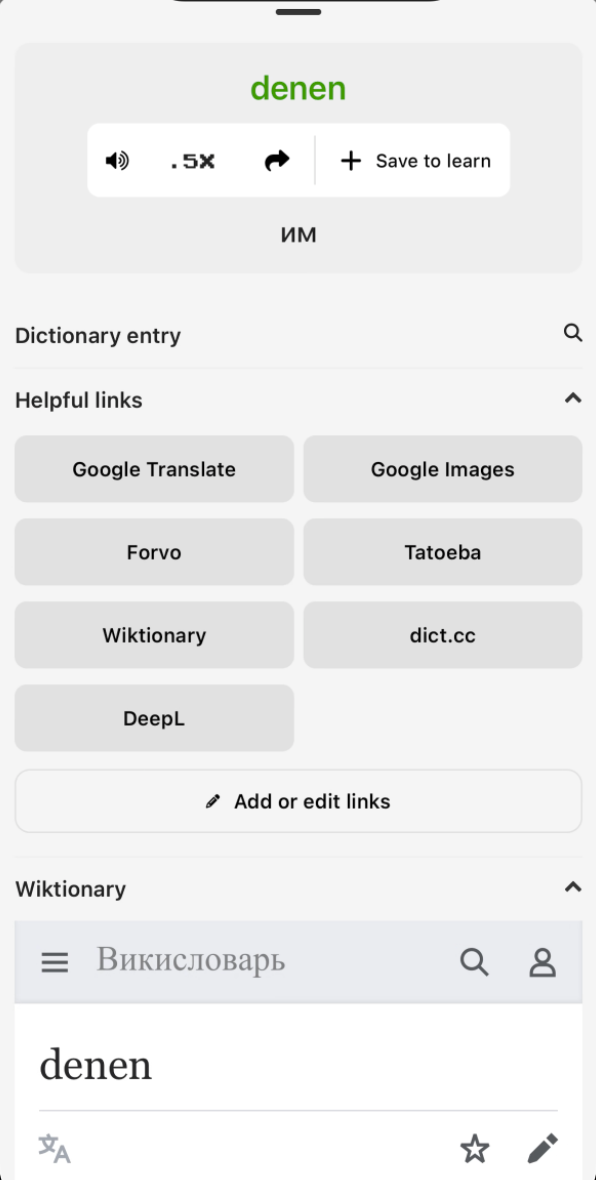
How can I see the translations for all the multiple choice words?
When playing the multiple-choice mode, after answering, links appear below the multiple-choice buttons that, when clicked, open the translation popup. This way, after answering a question, you can see the translations for the other three words (not selected).
This works the same way in the Clozemaster app, by simply tapping any word.